Best Phone Cooling Fan: How to Choose, Install, and Get the Most Out of Active Cooling
Disclosure: This post may contain affiliate links. We may earn a commission on qualifying purchases at no extra cost to you.
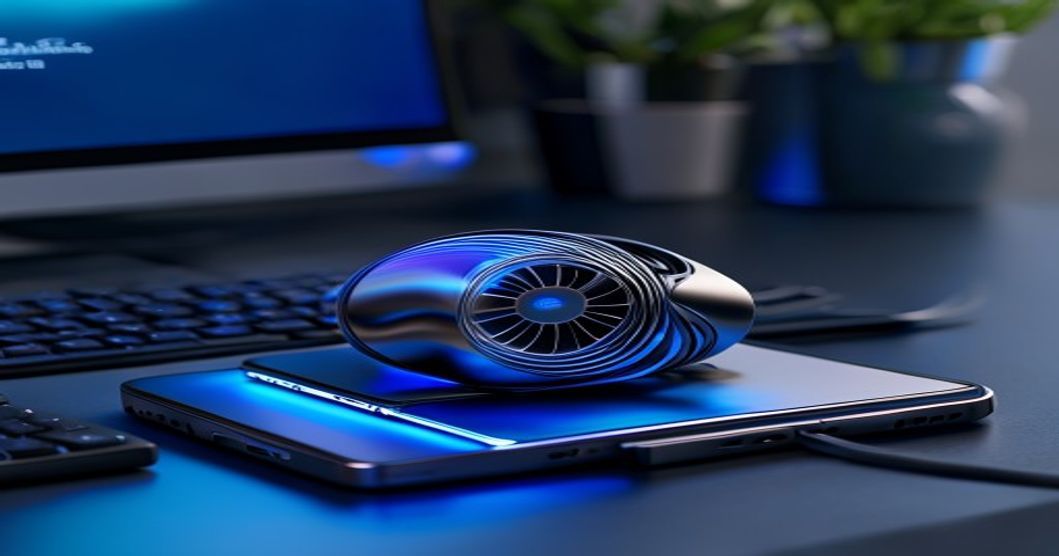
Your phone is getting scorching hot during a ranked match or a long video shoot, the screen dims, performance nosedives. You’re not the only one—mobile thermal throttling is a real problem, and it tanks both gaming and productivity. A phone cooling fan won’t match a water-cooled desktop rig, but it’s one of the few portable accessories that can actually help manage the heat.
Why Your Phone Gets Hot and What You Can Actually Do About It
Modern phones cram processors as fast as last year’s laptops into a space the size of a playing card. Gaming, video editing, heavy apps—the CPU and GPU work overtime, cranking out heat with nowhere to escape. Your phone’s thermal system (a few copper heat pipes and graphite layer) pushes some heat to the frame and screen, but push hard enough and you’ll hit the thermal limit (usually 80–90°C on most modern phones). Once it hits that ceiling, the phone throttles—cuts CPU speed—to protect the battery and chipset. Frame rate drops, load times balloon, and you’re left frustrated.
You can’t duct-tape a fan inside your phone without destroying it. What you can do is speed up how fast heat escapes from the outside. A cooling fan forces air across the phone’s back or side, carrying heat away faster than sitting there would. It’s not turning your phone into a freezer—it’s about preventing throttling and keeping performance steadier.
Real talk: external fans add bulk, need charging or cable management, and can be noisy. But if you’re actually hitting thermal limits, they work.
Active vs. Passive Cooling: Which One Actually Works?
Active fans (motorized): These pack an electric motor and impeller blades. They draw power via USB-C or onboard battery and actively shove air across your phone. A solid active fan can drop surface temperature by several degrees Celsius under heavy load, which usually helps sustain better performance during intense gaming. Downside: they’re noisy (sounds like a quiet computer fan), bulky, add weight, and drain battery if powered by your phone’s USB-C. Not exactly subtle.
Passive fans (non-motorized): These are finned metal clips mounted on your phone’s side or back. Zero power needed, zero noise, minimal bulk. They work by adding surface area and letting natural air circulation carry heat away. Good if you’re in a cool room or dealing with mild heat, but they’ll disappoint if you’re pushing your phone hard—they move only so much air and can struggle with sustained heavy load. Think of them as a nice-to-have, not a solution.
Real talk: Gaming or streaming video for hours? Active cooling is generally more effective. Just browsing and checking email? Passive is quieter and simpler. Don’t waste money on passive if you’re already throttling—it probably won’t cut it.
Key Specs and Features That Actually Matter
Skip the marketing nonsense. Here’s what to check:
Look for actual airflow ratings and noise measurements. Mid-range active fans typically nail both; budget options often fail one or the other. Read user reviews for real-world data instead of trusting manufacturer claims.
- Mounting system: Clip-on, magnetic, adhesive back plate, or bracket. Clip-on is safest (removable, no sticky residue), but magnetic is fastest. Skip adhesive if you switch phones.
- Power delivery: Some pull power from your phone’s USB-C; others have internal battery (usually 3000–5000 mAh). Battery-powered is cleaner (no dangling cables) but adds weight and needs charging.
- Noise profile: Cheap fans buzz and distract. Mid-range models run quieter. Gaming headphones can mask fan noise if it shows up.
- Thermal contact: The best fans have aluminum or copper back plates that actually touch your phone’s case or body, improving heat transfer. Some are just plastic clips with fans blowing air—potentially weaker.
- Compatibility: Check case clearance, charging port blockage, and whether it interferes with wireless charging. A fan that doesn’t fit your phone or case is worthless.
- Build quality: Fan bearings wear out. Plastic gears and thin metal frames fail sooner than aluminum housing with quality bearings. If it feels cheap, durability is a question mark.
Installation and Setup: Four Simple Steps
Most clip-on and magnetic fans take seconds to mount. Here’s the process:
- Clean the mounting area. Wipe your phone’s back or side with a microfiber cloth or alcohol wipe. Get the dust and oils off so adhesive pads or magnetic contacts grip.
- Position the fan. Place it on the side or back, away from your hands while gaming (side is usually better). Don’t block the charging port, camera, or speaker grilles.
- Secure the mount. If clip-on, slide it around and tighten the screw. If magnetic, snap it into place. If adhesive, press hard and wait the recommended cure time before using.
- Test power and airflow. If it’s active, connect the USB-C or flip the battery on. Feel the air with your hand. Make sure the phone sits level and the fan doesn’t spin into your fingers.
Simple. The hard part is picking a model that fits your setup.
Real-World Performance: What to Expect
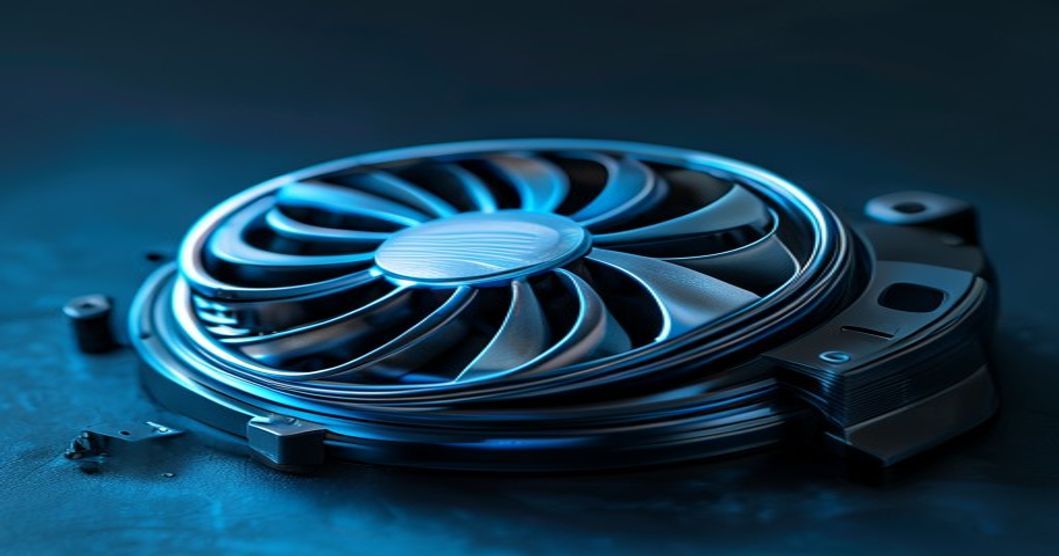
A quality active cooling fan helps stabilize your phone’s temperature and cuts throttling in most gaming and heavy-use situations. Here’s what that looks like:
Gaming (MOBA, battle royale, high-end shooter): Without a fan, your phone heats up and throttles after extended play. With a fan, performance stays more consistent. The difference is noticeable: fewer sudden frame drops, smoother experience.
Video recording (4K 60fps): Long recording sessions hammer the processor. A fan keeps the phone cool enough that the camera stays responsive, colors stay accurate, and the phone won’t interrupt recording. Without one, many phones cut recording quality or stop recording after extended sessions in warm conditions.
Sustained apps (video streaming, live chat, photo editing): Less demanding than gaming, but still generates heat. A fan keeps your phone snappy and reduces performance dips from throttling. The improvement is real but subtle—steadier operation rather than dramatic jumps.
Casual use (browsing, texting, light apps): Your phone isn’t hot. A cooling fan does nothing here and isn’t worth buying. Don’t spend money if you’re not hitting thermal limits.
One caveat: In a hot environment or direct sunlight, even a good fan hits physical limits. Ambient temperature matters a lot. Set realistic expectations—the fan helps heat escape faster, it doesn’t generate cold air.
Common Mistakes to Avoid
People buy the wrong fan for their phone and get frustrated. Don’t:
- Ignore case compatibility: A fan designed for a bare phone may not work with a thick case. Measure your case depth and verify the fan’s clearance. A bad fit is useless.
- Buy passive when you need active: If you’re already throttling, passive may not be enough. You likely need motorized cooling for sustained load.
- Go for ultra-cheap fans: A bargain-bin fan from an unknown brand might work at first, then the motor dies or the clip snaps. Spending more on a known brand usually means better lifespan.
- Use it in a sealed case or car vent: A fan needs air intake. Seal it in a case and airflow dies, cooling effectiveness tanks. Mount it where air can flow freely.
- Power it from your phone’s USB-C while gaming: This adds power draw on top of your load, which can sometimes increase heat instead of cutting it. Use a battery-powered fan or plug into an external charger.
- Over-tighten clip mounts: You can crack the phone frame or wreck the case. Just tight enough to not slip.
Comparing Phone Cooling to Other Cooling Methods
A fan isn’t the only heat management option. Here’s how it stacks up:
| Method | Cooling Effectiveness | Typical Cost | Best For |
|---|---|---|---|
| Active cooling fan | High (noticeable temperature drop) | $25–50 | Sustained gaming, long video |
| Passive cooling clip | Moderate (supplemental) | $10–20 | Light load, warm climates |
| Thermal case (material only) | Low (minimal impact) | $15–30 | Passive improvement, protection |
| Reduce load (lower settings, close apps) | Variable (can reduce throttling) | Free | Light work, battery savings |
| Liquid cooling pad (external) | Very high (desk setup only) | $40–100 | Streaming at desk, stationary use |
Bottom line: An active fan is solid middle ground—effective, portable, affordable. Passive works for light use. Reducing load is free but changes how you use your phone. Liquid cooling belongs on a desk.
Maintenance and Longevity Tips
A cooling fan is mechanical and will wear out. Make it last:
- Keep the vents clean. Dust clogs the intake. Wipe the fan grille and phone body regularly with a dry cloth.
- Don’t run it 24/7. Use it only when you need cooling. Continuous operation shortens motor lifespan.
- Check the mount periodically. If it’s a clip, verify contact points aren’t corroded. If it’s magnetic, confirm the magnets still work.
- Charge the battery regularly (if battery-powered). Don’t let it sit dead for long—this damages battery lifespan.
- Avoid extreme temperatures. Don’t leave a fan baking in a hot car or in a freezer. Room temperature is fine; extreme heat or cold damages electronics.
Who Should Actually Buy a Phone Cooling Fan (and Who Shouldn’t)
- Mobile gamers playing extended sessions
- Content creators shooting 4K video regularly
- People in hot climates experiencing throttling
- Live streamers or mobile video editors
- Anyone noticing performance drops under load
- Casual users (browsing, messaging, light apps)
- People without throttling problems
- Those who always keep phone in a sealed bag
- Users who switch phones frequently
- Anyone with a bulky case and limited space
Bottom Line
Buy a phone cooling fan if you game, stream video, or shoot 4K regularly and your phone already throttles (frame drops, slowdowns, thermal shutdowns). An active (motorized) fan delivers real cooling and keeps performance more consistent. Pick a clip-on or magnetic model with aluminum housing and quality bearings for better durability; avoid bargain options that fail quickly. If you’re just browsing and texting, save the money—you don’t need one. Remember: a cooling fan is an accessory, not a fix for poor phone design. It helps you manage heat in a portable form factor, nothing more.
For more on protecting and accessorizing your phone, check out our guides on phone car mounts for safe driving, camera lens protectors, and screen protectors for real-world durability.
Disclosure: This article contains affiliate links. I may earn a commission if you purchase through these links at no extra cost to you. As an Amazon Associate I earn from qualifying purchases. This helps support the site and allows me to continue writing honest reviews.